
Marketing Automation for Small Business
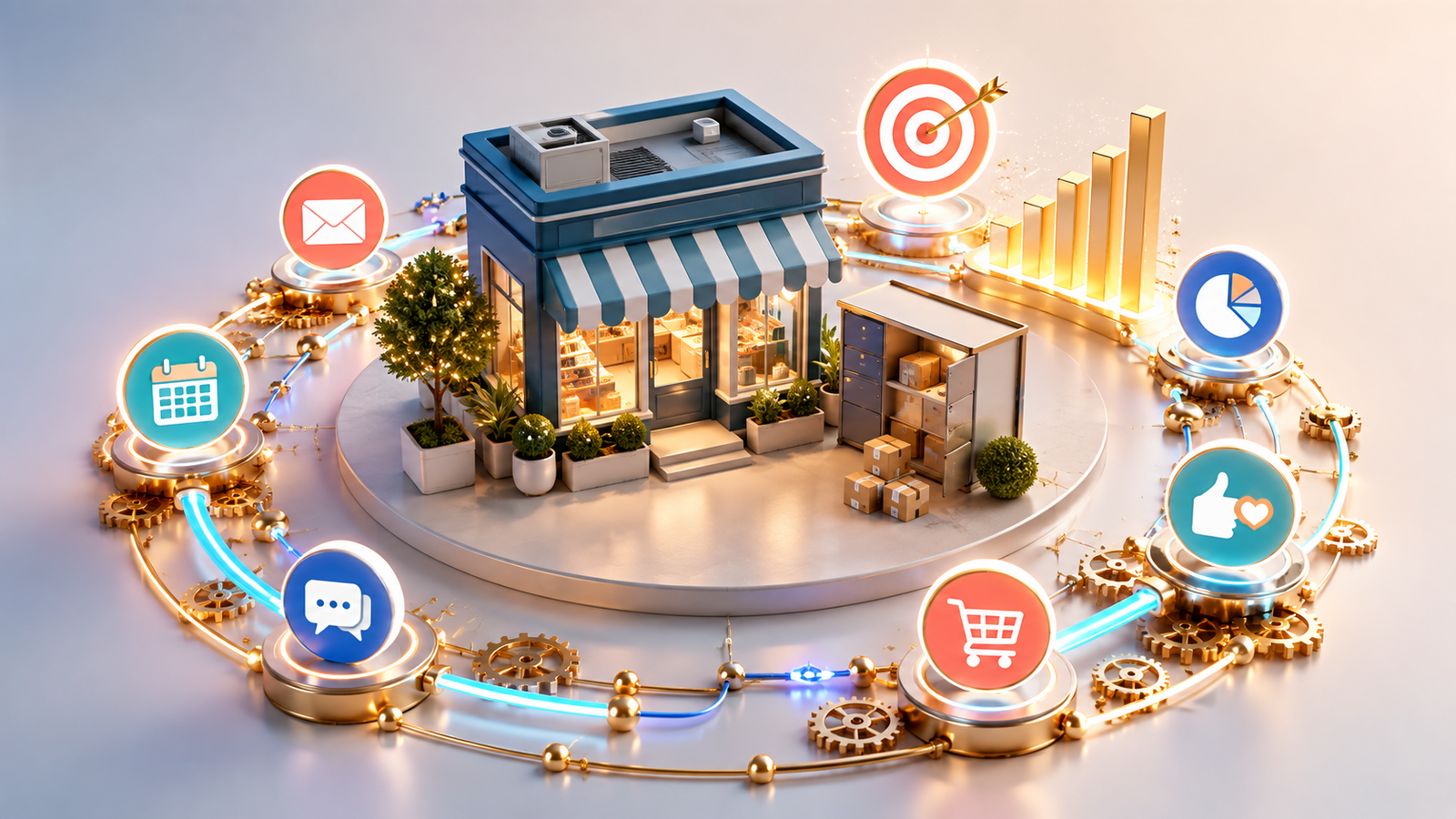
Marketing automation for small business is no longer a luxury reserved for companies with large teams and complex technology systems. Small businesses can now automate repetitive marketing activities, respond to customers faster, nurture potential buyers and measure campaign performance without dramatically increasing their workload.
Imagine a customer visiting your website after business hours, downloading a guide and immediately receiving a relevant welcome email. Over the following days, that customer receives useful information based on their interests. Your sales team is notified when the customer shows strong buying intent, while your marketing platform records every interaction automatically.
This is the value of marketing automation: creating timely, consistent customer experiences while allowing your team to focus on strategy, creativity and genuine human relationships.
However, effective automation is not about sending more messages or replacing people with software. It is about designing smarter processes that deliver the right communication to the right person at the right stage of the customer journey.
What Is Marketing Automation for Small Business?
Marketing automation refers to using software to manage repetitive marketing processes based on predefined rules, customer data or user behaviour. These processes may include email campaigns, lead collection, audience segmentation, follow-up messages, appointment reminders and campaign reporting.
For example, an automation platform can:
- Send a welcome email when someone joins a mailing list.
- Deliver a discount after a customer abandons an online basket.
- Remind a prospect about an upcoming consultation.
- Categorise leads according to their interests or actions.
- Notify a salesperson when a prospect visits an important service page.
- Request feedback after a purchase or completed service.
- Re-engage customers who have not interacted with the business recently.
The objective is not simply to automate individual tasks. A successful system connects these activities to create a clear and consistent customer journey.
Why Marketing Automation Matters for Small Businesses
Small businesses often operate with limited time, budgets and employees. One person may be responsible for social media, email marketing, customer enquiries, reporting and several operational responsibilities.
Automation reduces the administrative burden associated with these activities. It allows a small team to manage a growing audience without manually repeating the same processes for every customer.
1.It Saves Time
Manually sending welcome emails, reminders and follow-up messages can consume hours every week. Automation completes these predictable tasks in the background while maintaining consistent timing and messaging.
This does not eliminate the need for human involvement. Instead, it gives employees more time to handle conversations, decisions and creative work that require personal judgement.
2.It Improves Lead Follow-Up
A potential customer may not be ready to purchase during the first interaction. Without a structured follow-up process, interested prospects can easily be forgotten.
Automated lead-nurturing sequences maintain communication by providing relevant information over time. A prospect can receive educational content, service explanations, case studies and answers to common objections before being invited to take the next step.
3.It Creates More Consistent Customer Experiences
Customers expect businesses to respond quickly and communicate clearly. Automation ensures that important messages are delivered even when the team is busy or unavailable.
Consistency is especially important as a business grows. Every new subscriber can receive the same carefully prepared introduction, while every customer can receive the appropriate confirmation and follow-up communication.
4.It Supports Better Personalisation
Automation does not have to feel robotic. When supported by accurate customer data, it can make marketing more relevant.
Businesses can segment contacts according to location, interests, purchase history, engagement level or stage in the buying journey. Each segment can then receive content and offers that reflect its needs.
This approach connects naturally with hyper-personalised marketing, where customer information and behaviour are used to create more valuable individual experiences.
5.It Makes Performance Easier to Measure
Most automation platforms provide information about email opens, clicks, conversions, customer journeys and campaign results. This helps businesses understand which activities generate engagement and which processes need improvement.
Combining automation with a data-driven marketing strategy allows decisions to be based on measurable behaviour rather than assumptions.
6.What Can a Small Business Automate?
The best activities to automate are predictable, repetitive and connected to a clear customer action. Businesses should begin with a small number of useful workflows rather than attempting to automate their entire marketing operation immediately.
Email Marketing
Email is one of the most accessible areas for small business automation. Useful automated sequences include:
- New-subscriber welcome emails.
- Educational lead-nurturing campaigns.
- Abandoned-basket reminders.
- Product or service recommendations.
- Customer onboarding instructions.
- Renewal and subscription reminders.
- Post-purchase follow-ups.
- Customer re-engagement campaigns.
Every sequence should have a specific purpose. A welcome campaign, for example, may introduce the business, explain its value and direct subscribers towards an important service or resource.
Lead Capture and Management
Website forms can send contact details directly to a customer relationship management system. Leads can then be tagged, segmented and assigned to the appropriate employee.
A business may also create simple lead-scoring rules. A prospect who opens several emails, downloads a guide and visits a pricing page may receive a higher score than someone who only joined the mailing list.
This helps the sales team prioritise people who appear closer to making a decision.
1.Customer Onboarding
After a purchase, customers often need confirmations, instructions, documentation or progress updates. Automating these messages creates a smoother onboarding experience and reduces repetitive questions.
Automation can explain what happens next, introduce the relevant team member, provide useful resources and remind customers about outstanding actions.
2.Appointment Reminders
Service businesses can automate booking confirmations, appointment reminders and post-appointment messages. These workflows reduce manual administration while helping customers remember their scheduled commitments.
3.Social Media Scheduling
Content scheduling tools can help businesses prepare and publish social media posts across several platforms. However, engagement should not be fully automated. Questions, complaints and meaningful audience conversations still require a genuine human response.
4.Customer Feedback
A feedback request can be triggered after a purchase, delivery or completed service. Responses can be categorised automatically, helping the business identify satisfied customers and resolve negative experiences quickly.
How to Build a Marketing Automation Strategy
Successful automation starts with strategy, not software. Purchasing a complicated platform before defining the customer journey often creates unnecessary costs and disconnected campaigns.
1. Define One Clear Goal
Begin with a specific business outcome. This might be:
- Converting more website visitors into leads.
- Improving lead response time.
- Reducing abandoned purchases.
- Increasing repeat sales.
- Improving customer onboarding.
- Re-engaging inactive subscribers.
A clear objective makes it easier to decide which workflow to build and which metrics to monitor.
2. Map the Customer Journey
Identify the main steps customers take from initial awareness to purchase and retention. Consider the questions, concerns and information needs that appear at each stage.
A simple journey may include:
- A visitor discovers the business.
- The visitor submits a form.
- The lead receives useful educational content.
- The lead explores a service or product.
- The business offers a consultation or purchase opportunity.
- The customer receives onboarding support.
- The business requests feedback or encourages a repeat purchase.
Automation should help customers move naturally between these stages.
3. Select the Right Technology
The most expensive platform is not automatically the best option. Small businesses should evaluate usability, pricing, integrations, reporting capabilities and expected growth.
An email marketing platform may be sufficient for a straightforward welcome sequence. A business with multiple channels, sales representatives and customer segments may require an integrated CRM and automation system.
This guide to choosing the right digital marketing tools explains how goals, budgets and marketing channels should influence technology decisions.
4. Organise and Protect Customer Data

Automation depends on reliable data. Duplicate contacts, missing information and inconsistent labels can send incorrect messages or create a confusing customer experience.
Create clear rules for collecting, storing, updating and deleting customer information. Businesses should obtain appropriate consent, provide clear communication preferences and follow the privacy requirements that apply to their locations and audiences.
5. Create Useful Content
A workflow needs more than triggers and technical connections. It also needs content that helps the customer make progress.
Write concise messages with one primary purpose and a clear next step. Avoid sending emails merely because the system allows it. Every message should answer a question, provide useful guidance or help the recipient complete an action.
6. Test Every Workflow
Before launching an automation, test each trigger, email, link, form and condition. Confirm that contacts enter and leave the workflow correctly and that existing customers do not receive inappropriate messages.
Testing is particularly important when workflows contain multiple branches or depend on customer data.
7. Measure and Improve
Track metrics that relate directly to the workflow’s objective. Depending on the campaign, these may include:
- Form completion rate.
- Email click-through rate.
- Lead-to-customer conversion rate.
- Appointment attendance rate.
- Abandoned-basket recovery rate.
- Repeat purchase rate.
- Unsubscribe rate.
- Revenue generated by the workflow.
Review results regularly and test one meaningful change at a time. Automation should continue evolving as customer behaviour and business priorities change.
Common Marketing Automation Mistakes
1.Automating Without a Strategy
Random automated emails do not create a customer journey. Each workflow should support a defined goal and solve a genuine communication problem.
A broader marketing plan can help ensure automation supports the company’s positioning, audience and commercial objectives.
2.Sending Too Many Messages
Automation makes communication easier, but that does not mean customers want more of it. Excessive emails can increase unsubscribes and damage trust.
Set reasonable frequency rules and ensure every message offers clear value.
3.Using the Same Message for Everyone
Customers have different needs depending on their interests and stage in the buying journey. Sending identical content to every contact reduces relevance and wastes the personalisation capabilities of automation software.
4.Ignoring Data Quality
Incorrect names, outdated details and duplicate records create poor customer experiences. Data should be reviewed and cleaned regularly.
5.Removing Human Interaction
Automation should support relationships rather than replace them. Customers must still have a clear way to reach a real person, particularly when they have complex questions or problems.
Is marketing automation suitable for very small businesses?
Yes. A small business can begin with one simple workflow, such as a welcome email series or appointment reminder. The system can become more advanced as the audience, team and marketing requirements grow.
Is marketing automation expensive?
The cost varies depending on the number of contacts, features and integrations required. Many platforms offer entry-level plans suitable for small businesses. The correct choice is the platform that meets current needs without adding unnecessary complexity.
What is the best marketing automation tool for a small business?
There is no single best tool for every business. The right platform depends on your goals, budget, audience size, channels and existing systems. Evaluate the workflow you need before comparing software.
Can marketing automation generate more leads?
Automation can improve lead generation by responding quickly, nurturing prospects and directing engaged contacts towards relevant offers. However, it still requires a strong value proposition, useful content and effective acquisition channels.
How long does it take to see results?
Simple workflows can improve response times immediately. Commercial results may take longer because they depend on traffic, audience quality, sales cycles and campaign execution. Establish baseline metrics before launch to measure progress accurately.
Will automated messages feel impersonal?
They can feel impersonal when they are generic, irrelevant or sent too frequently. Clear segmentation, natural writing and behaviour-based triggers make communication timelier and more useful.
What should a small business automate first?
Start with a repetitive process that affects many customers and has a measurable outcome. Welcome emails, enquiry follow-ups, appointment reminders and post-purchase messages are practical starting points.
Does marketing automation replace a marketing team?
No. Automation manages predictable tasks, but strategy, creativity, judgement and relationship-building still require people. The technology makes the team more efficient rather than making human expertise unnecessary.
Build a Smarter Marketing System
Effective marketing automation for small business is not about adding more software or sending more messages. It is about building a connected system that saves time, responds to customer behaviour and supports measurable growth.
If you want to develop a practical marketing automation for small business strategy that fits your goals, budget and existing technology, Contact Walaa ElAmin to discuss your marketing needs.